

 Compare
 Remove from Compare
Apple 33.78 cm (13.3 inch) Laptop (8th Gen Core i5/2.4 GHz/16 GB/256 GB), MacBook Pro
 ₹80,000.00 with all applicable
 Delivery Related
Apply
Please enter a pincode.
Key Features
- Touch Bar with Integrated Touch ID Sensor
- 720p FaceTime HD Camera
- Brilliant Retina Display with True Tone Technology
- Apple T2 Security Chip

- DescriptionThe Apple MacBook Pro flaunts a sleek, portable design. It elevates to a whole new level of performance and portability. Wherever your ideas take you, you will get there faster than ever with its high-performance processor and memory, blazing-fast storage, and excellent graphics. The Retina display in this MacBook Pro is unmatched. It boasts bright LED backlighting and a high contrast ratio, proffering deep blacks and bright whites. The spacious Force Touch trackpad on the Apple MacBook Pro provides your fingers plenty of room to gesture and click.
FROM THE MANUFACTURER More power. More performance. More pro.
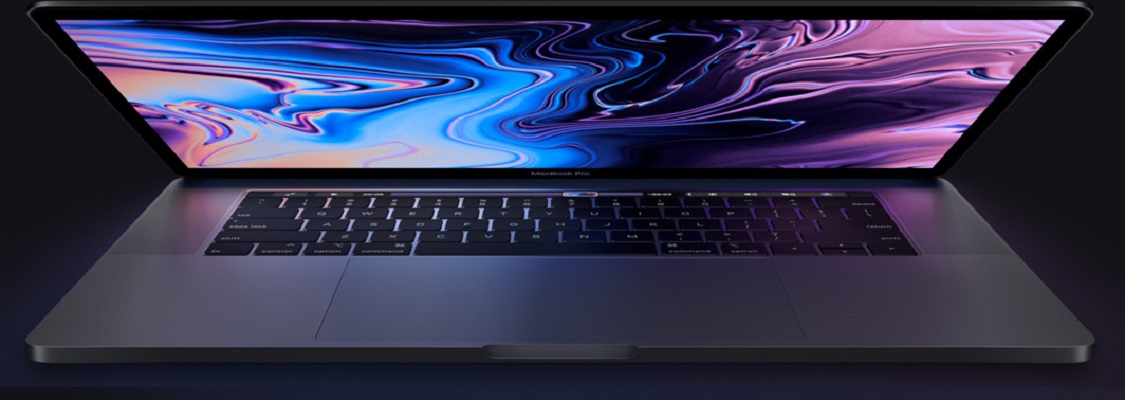
* This MacBook Pro image is for illustration purpose only. Actual image may vary.
MacBook Pro
More power. More performance. More pro.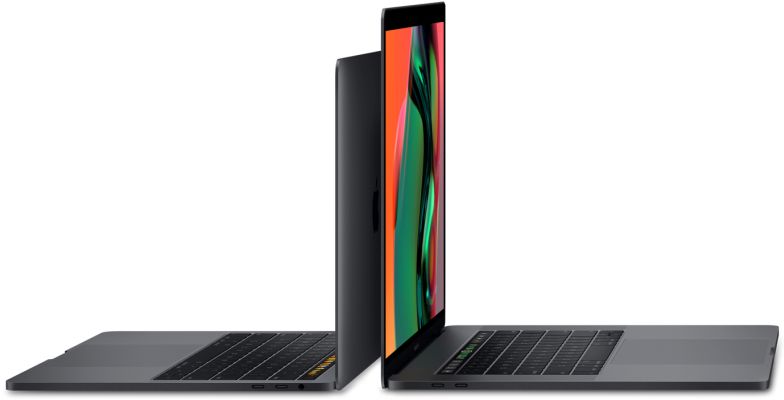
* This MacBook Pro image is for illustration purpose only. Actual image may vary.
Performance
With Great Power Comes Great Capability
MacBook Pro elevates the notebook to a whole new level of performance and portability. Wherever your ideas take you, you'll get there faster than ever with high-performance processors and memory, advanced graphics, blazing-fast storage and more.
Photography
Retouch, edit and work with high-resolution photos in Photoshop at lightning speed.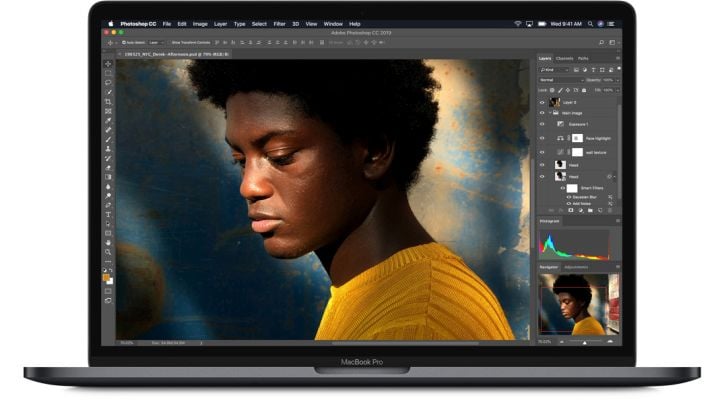
* This MacBook Pro image is for illustration purpose only. Actual image may vary.
Coding
Build code, run multiple virtual machines and see your work take shape - faster than ever before.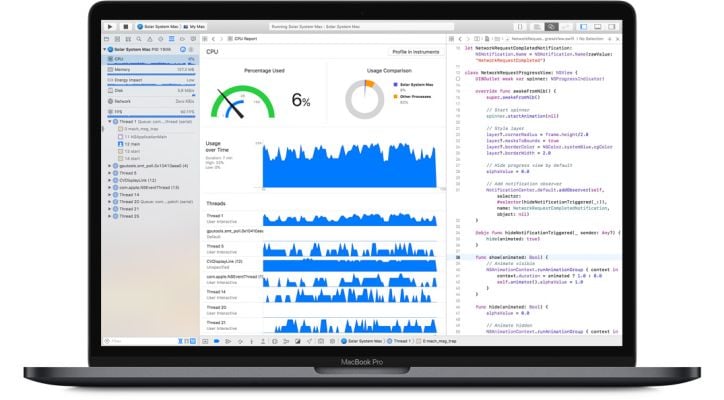
* This MacBook Pro image is for illustration purpose only. Actual image may vary.
Video Editing
Edit multicam clips in Final Cut Pro X using up to eleven streams of Apple ProRes RAW 4K video on the 13-inch MacBook Pro.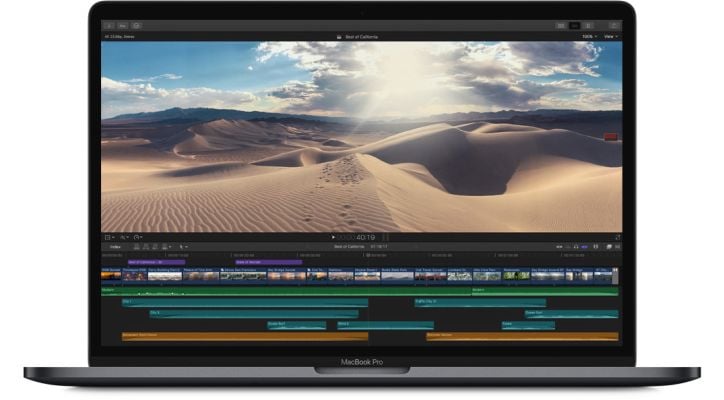
* This MacBook Pro image is for illustration purpose only. Actual image may vary.
3D Graphics
Experience smooth real-time performance when rendering 3D models in Cinema 4D.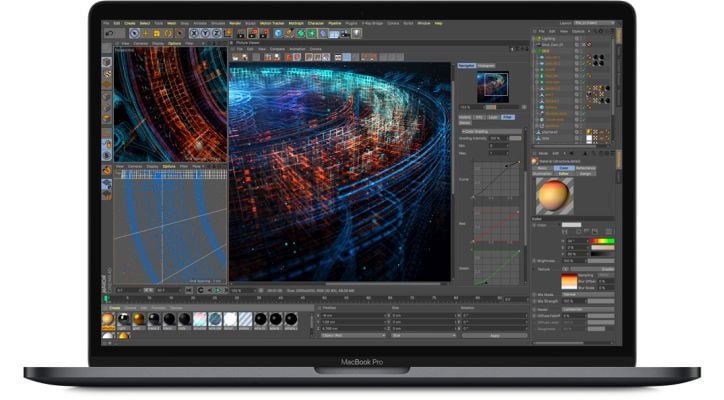
* This MacBook Pro image is for illustration purpose only. Actual image may vary.
Gaming
Play a graphics-intensive game like Fortnite and enjoy responsive performance and vivid detail.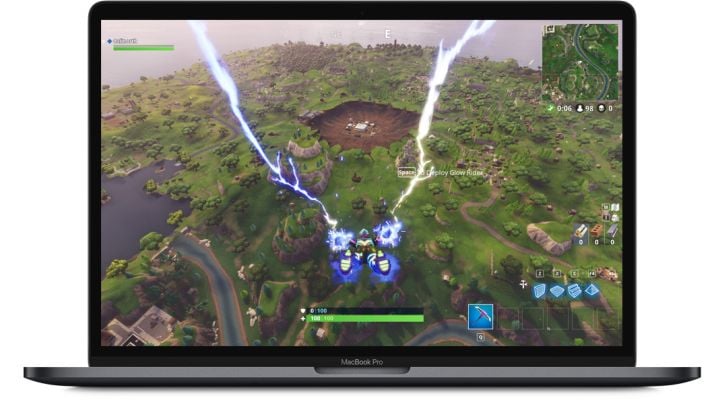
* This MacBook Pro image is for illustration purpose only. Actual image may vary.
Processor
More Power At Its Core
With the latest Intel Core processors, MacBook Pro reaches new heights in compute performance. The 13 inch model now features a 4-core Intel Core i5 processor that reaches Turbo Boost speeds up to 3.9 GHz. Giving 3D graphics apps like Autodesk Maya 40 per cent faster render speeds compared to the previous processor and up to twice as fast render speeds than a quad-core processor. So when you're powering through pro-level processing jobs like compiling code, rendering 3D models, adding special effects, layering multiple tracks or encoding video, you'll get everything done faster.
Memory
Run More. Wait Less.
For faster performance when working with large files, or running multiple pro apps or virtual machines, the 13 inch MacBook Pro can be configured with up to 16 GB of high performance 2400 MHz DDR4 memory.
Graphics
Eye-opening Graphics Performance
MacBook Pro features a Radeon Pro discrete GPU in every 13 inch model, combining impressive power with remarkable power efficiency. And we've paired each discrete GPU with 4 GB of GDDR5 memory standard, giving you fluid, real time performance for pro tasks like rendering 3D titles in Final Cut Pro X.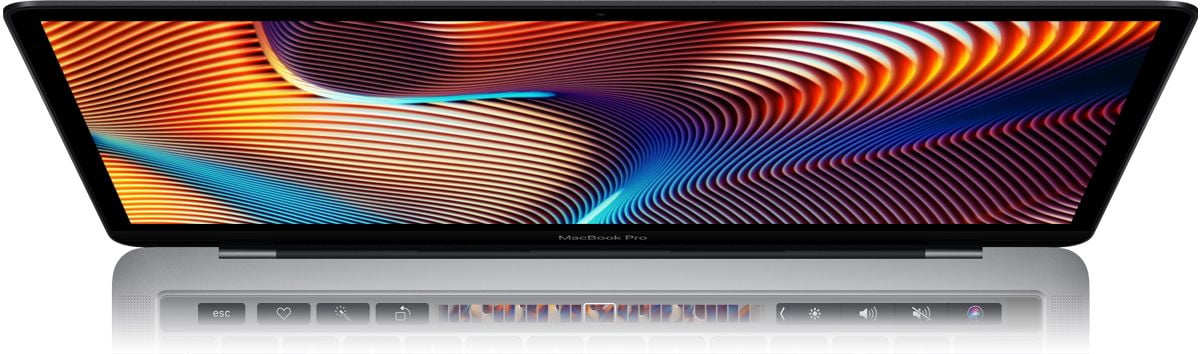
* This MacBook Pro image is for illustration purpose only. Actual image may vary.
Apple T2 Security Chip
The Next Generation Of Security
MacBook Pro is equipped with the Apple T2 Security Chip - our second generation custom Mac silicon designed to make everything you do even more secure. Featured on the 13 inch models with Touch Bar, the Apple T2 Security Chip includes a Secure Enclave coprocessor that provides the foundation for secure boot and encrypted storage capabilities. It also consolidates many discrete controllers, including the system management controller, audio controller and SSD controller, into one. And the Apple T2 Security Chip brings a familiar voice to MacBook Pro - Hey Siri is always ready to open apps, find documents, play music or answer your questions.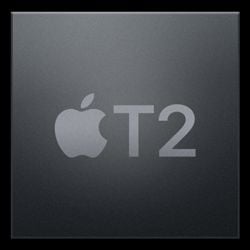
* This MacBook Pro image is for illustration purpose only. Actual image may vary.
SSD Storage
Make Quicker Work Of Everything
The 13-inch model is available with up to a 256 GB SSD - enough space to take even your biggest files with you, like large photo libraries or video projects. So you can boot up, launch multiple apps or import huge files in a flash. And with the Apple T2 Security Chip, everything is automatically encrypted on the fly.
Thunderbolt 3
The Most Powerful And Versatile Port Ever
Thunderbolt 3 combines ultra high bandwidth with the ultra versatility of the USB-C industry standard to create one revved-up universal port. It integrates data transfer, charging and video output in a single connector, delivering up to 40 Gbps of throughput for twice the bandwidth of Thunderbolt 2. Both sizes of MacBook Pro are available with four ports, so you can do all of that from either side. Existing devices are easily connected with a cable or adapter. And Thunderbolt 3 is reversible, so no matter how you plug in, it's always right side up.
* This MacBook Pro image is for illustration purpose only. Actual image may vary.
Touch Bar
More Ways To Be Productive. Always Within Reach.
The Touch Bar replaces the function keys that have long occupied the top of your keyboard with something much more versatile and capable. It changes automatically based on what you're doing to show you relevant tools that are intuitive to use - system controls like volume and brightness, interactive ways to adjust or browse through content, and intelligent typing features like emoji and predictive text, just to name a few.
Tap It. Hold It. Flick it. Slide It.
Familiar gestures make it easy to use the Touch Bar. Tap to expand the Control Strip, flick to adjust volume and brightness, or slide to rewind while watching a movie.
Tap
Tap to move between tabs in Safari.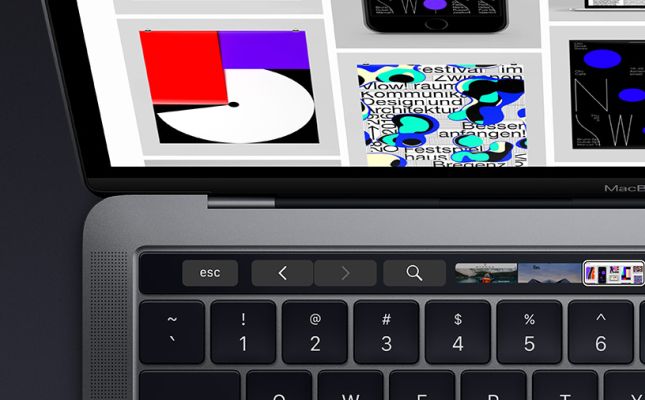
* This MacBook Pro image is for illustration purpose only. Actual image may vary.
Touch and Hold
Touch and hold to see original versions of your photos while editing.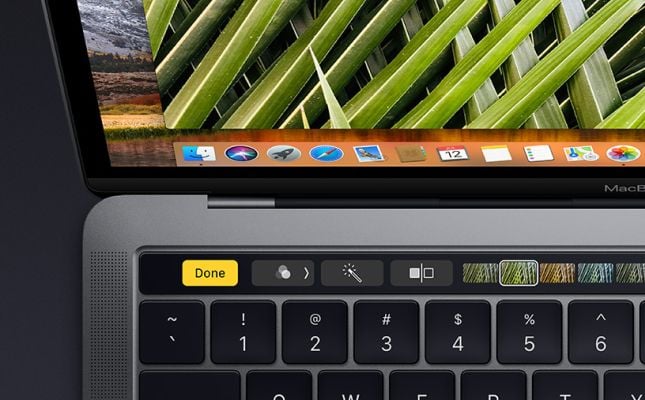
* This MacBook Pro image is for illustration purpose only. Actual image may vary.
Flick
Flick your finger to adjust brightness and volume.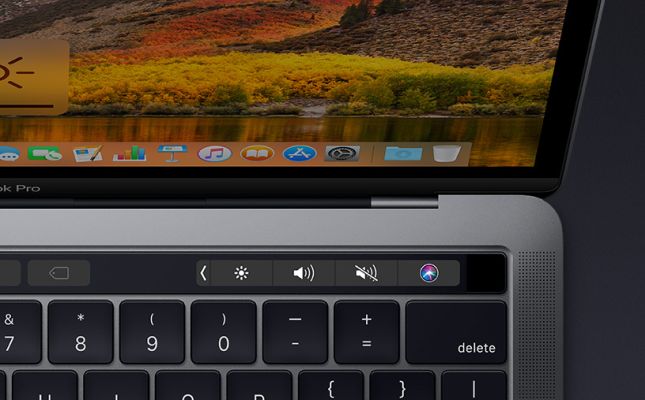
* This MacBook Pro image is for illustration purpose only. Actual image may vary.
Slide
Slide to choose a font colour in your Keynote slides.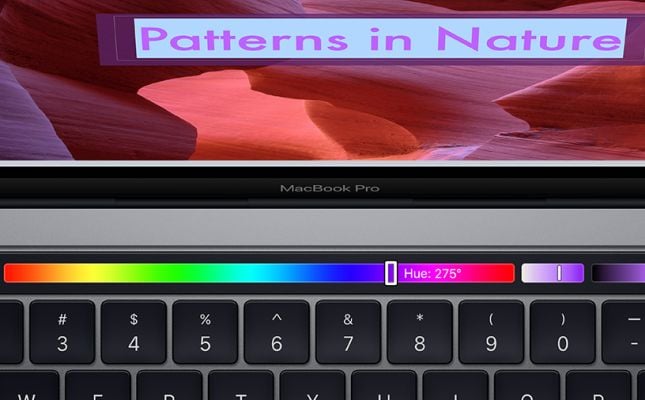
* This MacBook Pro image is for illustration purpose only. Actual image may vary.
Just What You Need.
Exactly Where You Need It.
Many of the built-in apps on your MacBook Pro have Touch Bar controls that make common actions like sending an email or formatting a document even easier. The Touch Bar changes to match the app you're using, bringing these shortcuts front and centre. And third-party apps can take advantage of the Touch Bar as well.
Final Cut Pro X
Slide through the timeline while editing. The Touch Bar will change to match what you're working on and bring up the tools you need from deep within the app.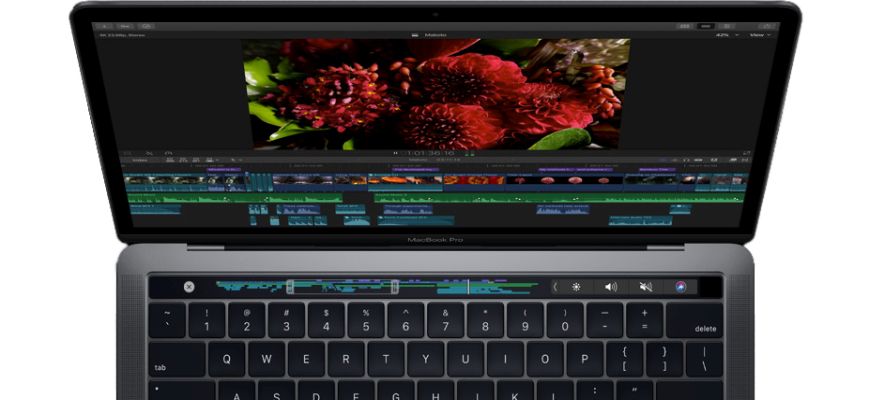
* This MacBook Pro image is for illustration purpose only. Actual image may vary.
Photos
Select a photo as a favourite, use auto-enhance or quickly add your photo to an album. The Touch Bar brings editing tools out too - like cropping and applying filters.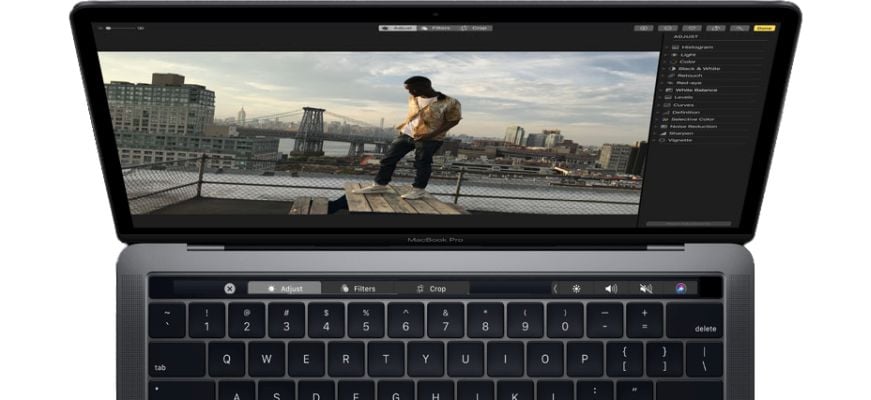
* This MacBook Pro image is for illustration purpose only. Actual image may vary.
Logic Pro X
Jump to a location, fine-tune sounds or turn your Touch Bar into a drum, piano or audio recording control panel.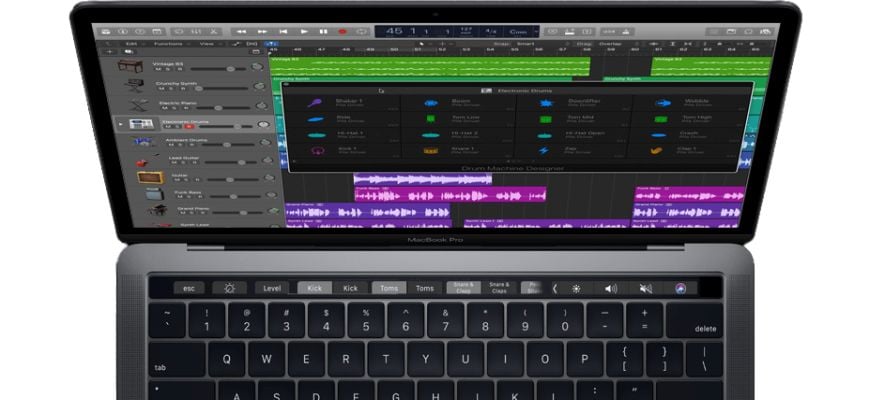
* This MacBook Pro image is for illustration purpose only. Actual image may vary.
Mail
Type a message faster with predictive text. The Touch Bar can suggest frequent recipients and emoji when composing a message too.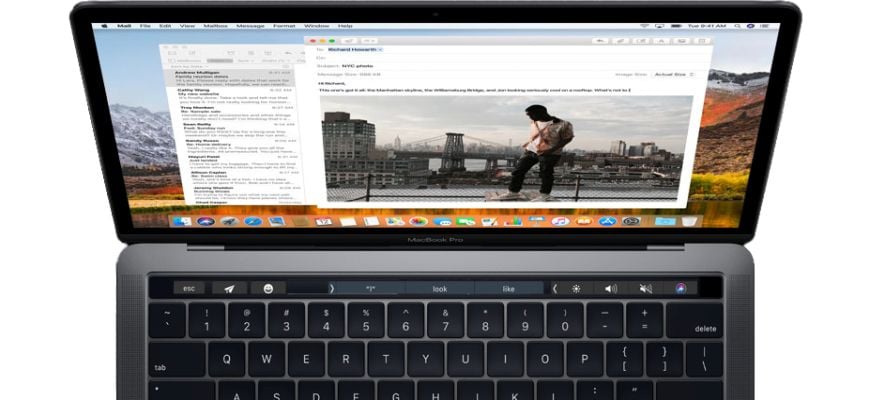
* This MacBook Pro image is for illustration purpose only. Actual image may vary.
Customise What You Use Most
You can create shortcuts directly in your Control Strip and in apps like Mail, Pages, Safari and Final Cut Pro X to help you work faster and be more productive.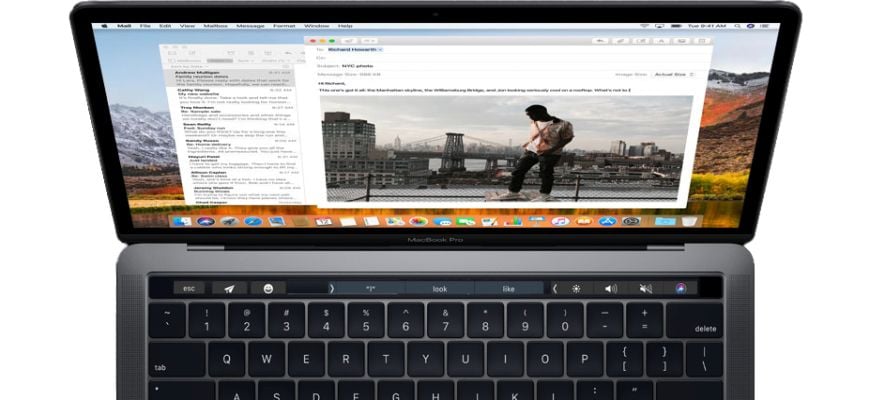
* This MacBook Pro image is for illustration purpose only. Actual image may vary.
Touch ID
Advanced Security. At Your Fingertip.
Unlock your Mac in an instant. Quickly access system settings and locked notes. And even switch between users - all with the touch of a finger.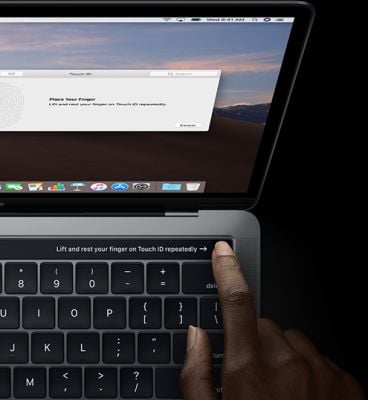
* This MacBook Pro image is for illustration purpose only. Actual image may vary.
Display And Audio
Easy On The Eyes. Music To Your Ears.
The Retina display in MacBook Pro is the best ever in a Mac notebook. It features bright LED backlighting and a high contrast ratio, delivering deep blacks and bright whites. It supports P3 wide colour for even more vibrant greens and reds than with sRGB. 13 inch model with Touch Bar features True Tone technology. The white balance automatically adjusts to match the colour temperature of the light around you - for a more natural viewing experience. MacBook Pro has beautifully balanced, high-fidelity sound that takes listening to new levels with wide dynamic range and more bass for maximum boom. And the speakers are connected directly to system power, enabling greater peak amplification. So you can mix a track on the fly, edit video on location or enjoy a movie on the go.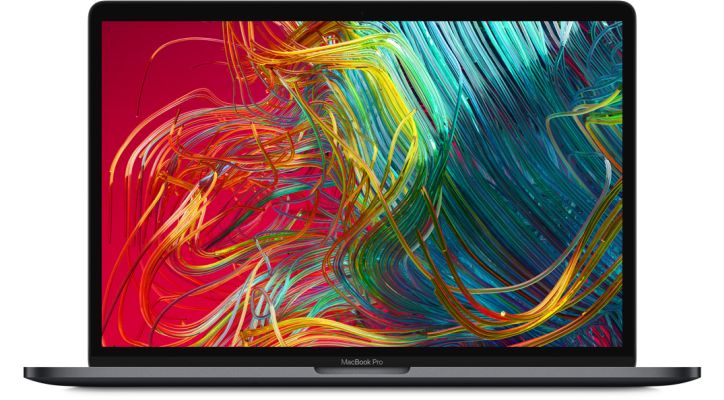
* This MacBook Pro image is for illustration purpose only. Actual image may vary.
Keyboard And Trackpad
Your Workspace Just Got Quieter
The MacBook Pro keyboard features a butterfly mechanism - providing four times more key stability than a traditional scissor mechanism, along with greater comfort. The 13 inch MacBook Pro model with Touch Bar features a keyboard with a quieter typing experience. And the spacious Force Touch trackpad gives your fingers plenty of room to gesture and click.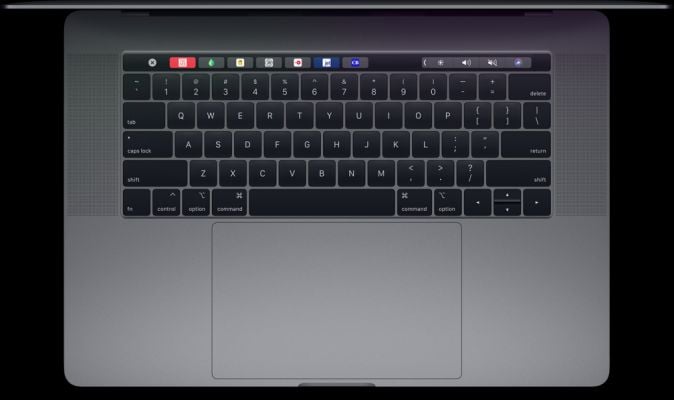
* This MacBook Pro image is for illustration purpose only. Actual image may vary.
macOS Mojave
Simply Powerful
Featuring Dark Mode, new pro-inspired features, three new apps and a redesigned Mac App Store.
- SpecificationsAdditional Features
- Features
- Latest Apple-Designed Keyboard
- Force Touch Trackpad
- Ultrafast SSD
Audio Details- Speaker Type
- Stereo
Built-in Functions- Speaker
- Yes
Graphics Card Related- Graphics Card Model
- 655
Laptop Connectivity- Audio Jack
- 3.5 mm
- Backlit Keyboard
- Yes
- Bluetooth
- Yes
- No. of USB Ports
- 4
- Operating System
- macOS Mojave
- Operating System Type
- MacOS
- Wi-Fi
- Yes
Laptop Display- Display Type
- Retina
- Screen Resolution
- 2560 x 1600
- Screen Size (Diagonal)
- 33.78 cm (13.3 inch)
Laptop Hardware- Graphics Card - Brand
- Intel
- Graphics Card - Sub-Brand
- Iris Plus Graphics
- Laptop Type
- Standard Laptop
- Memory (RAM)
- 16 GB
- Memory Details
- 16 GB of 2133 MHz LPDDR3 Onboard Memory
- Processor
- 8th Gen 2.4 GHz Quad-Core Intel Core i5
Physical Dimensions- Primary Colour
- multi
Power Details- Battery Run Time
- Up to 10 hours (Wireless Web)
- Up to 10 hours (iTunes Movie Playback)
- Up to 30
See More - Battery Type
- Lithium Polymer (Li-Poly)
- Power Supply
- 61 Watts USB-C Power Adapter
Processor Related- Core Type
- Core i5
- Processor Brand
- Intel
- Processor Core
- Quad-core
- Features